
All PDF - PDF Reader & Editor7.0.2 - AppGallery
You'll be able to see results in few seconds.
Publisher Description
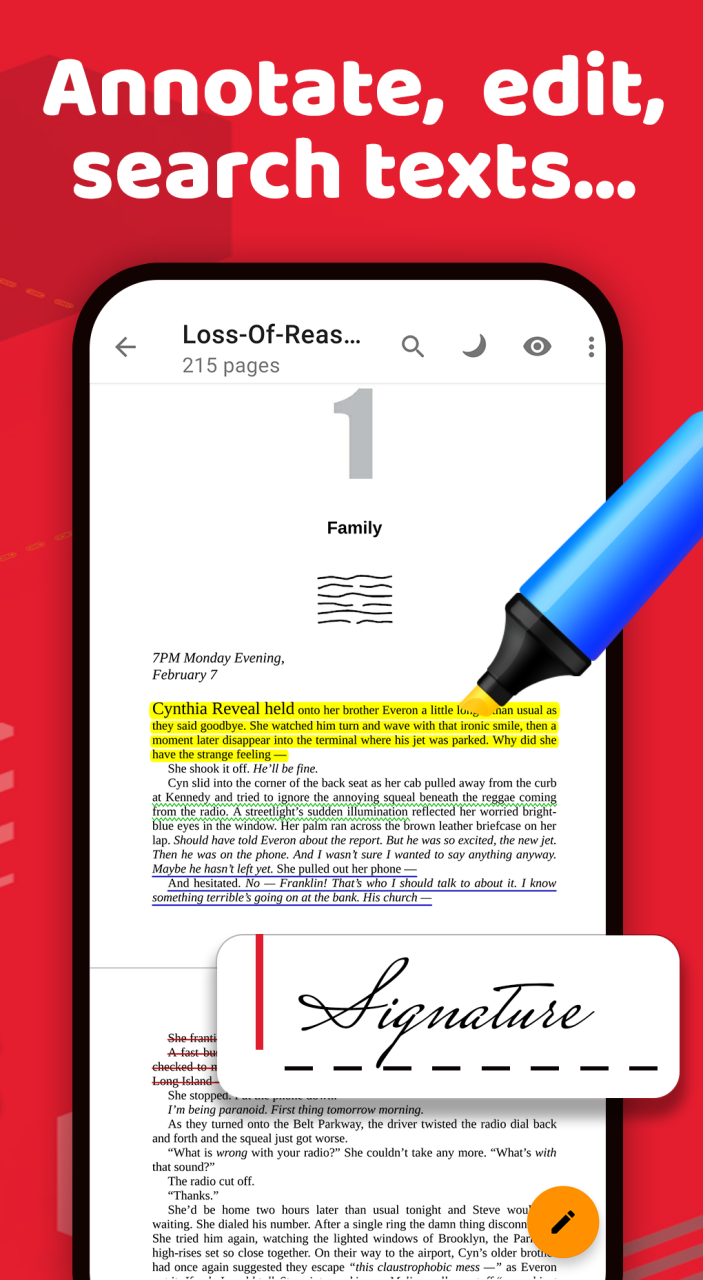
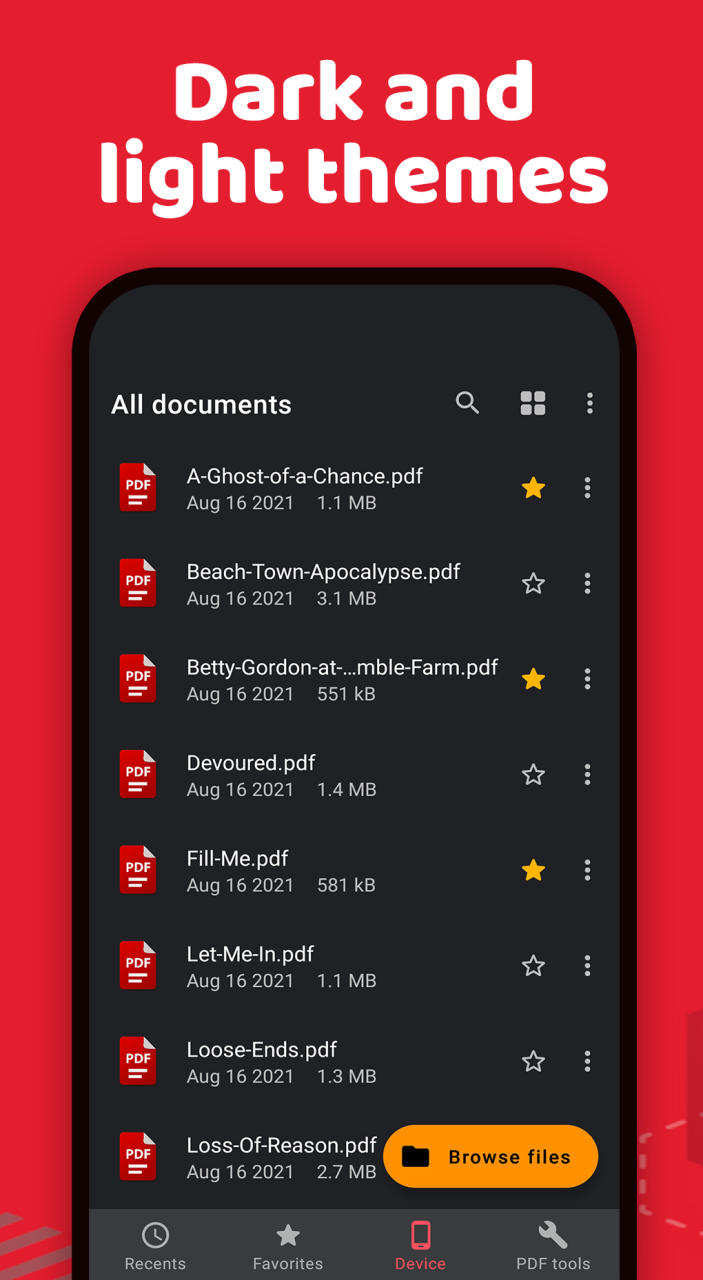
PDF Reader – PDF Viewer is the light weight office app that you can use to read all documents, read PDF files stored locally in your device, the app supports all pdf files even the one with password protection with this pdf reader for Android free.
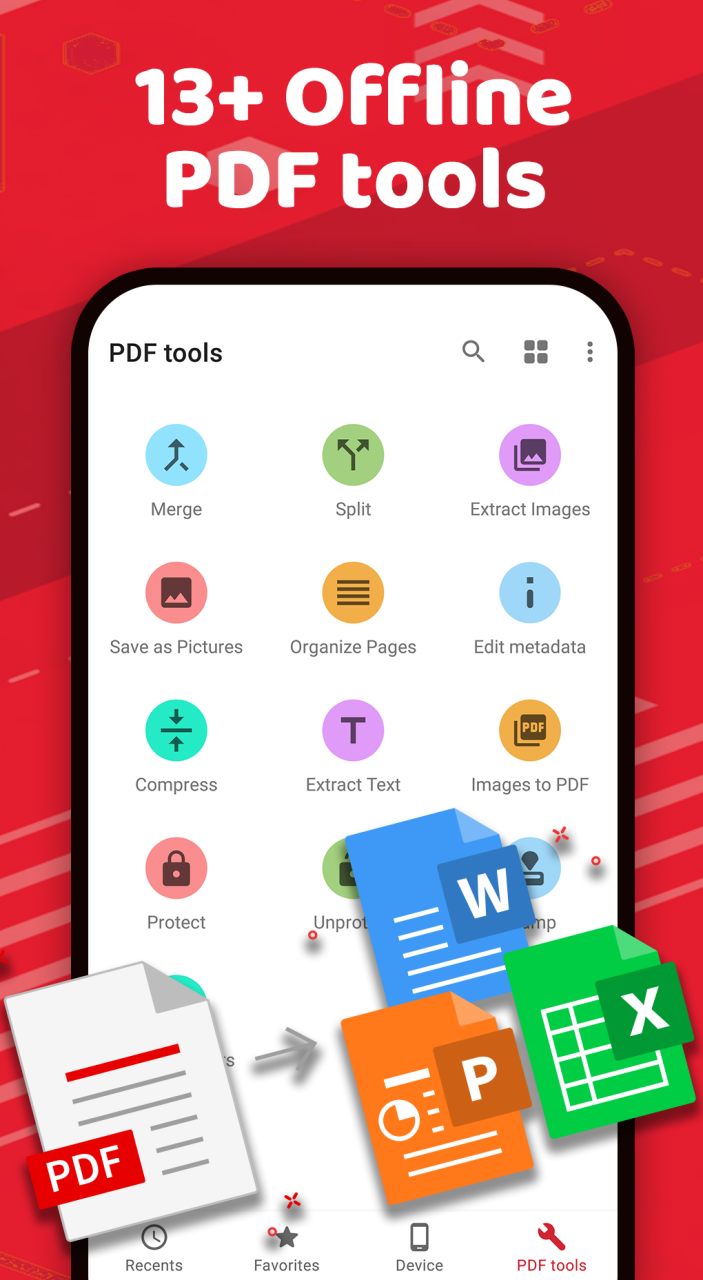
PDF Reader – PDF Viewer is not just a PDF Viewer application that helps you interact with all document files, it is also a powerful PDF conversion tool that can Split, Merge, add PDF page numbers and Compress PDF documents easily and conveniently.
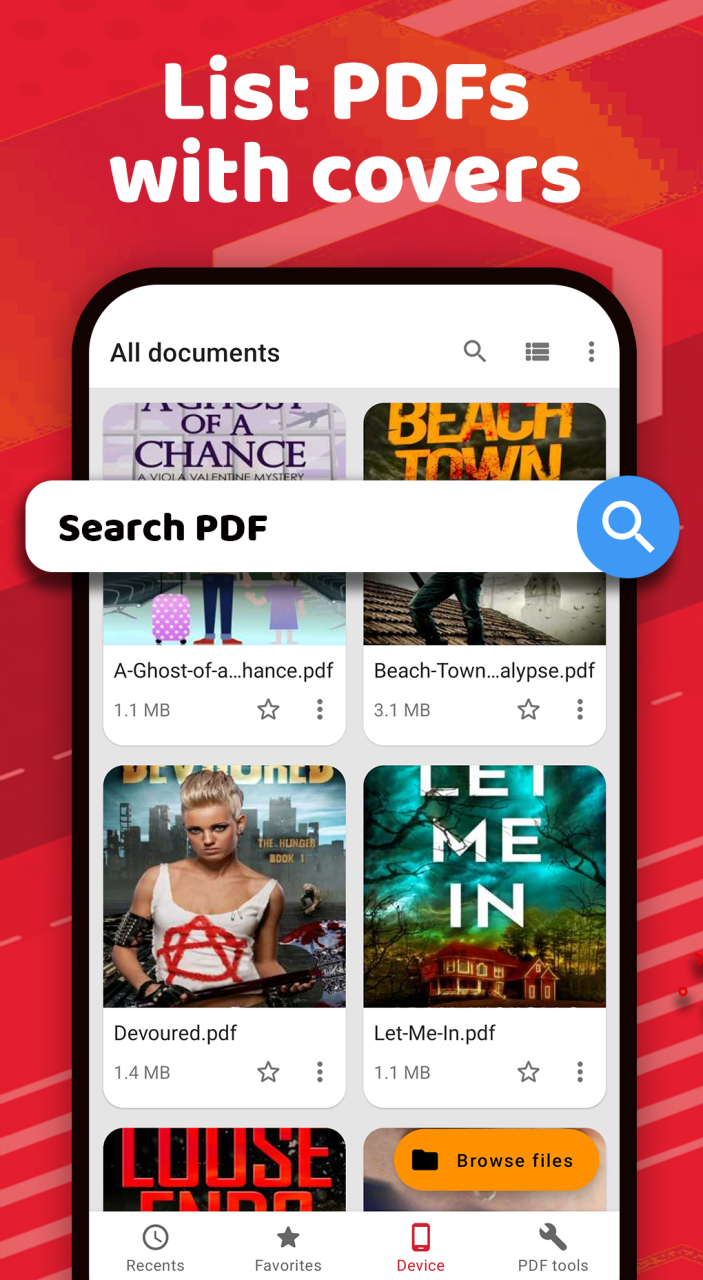
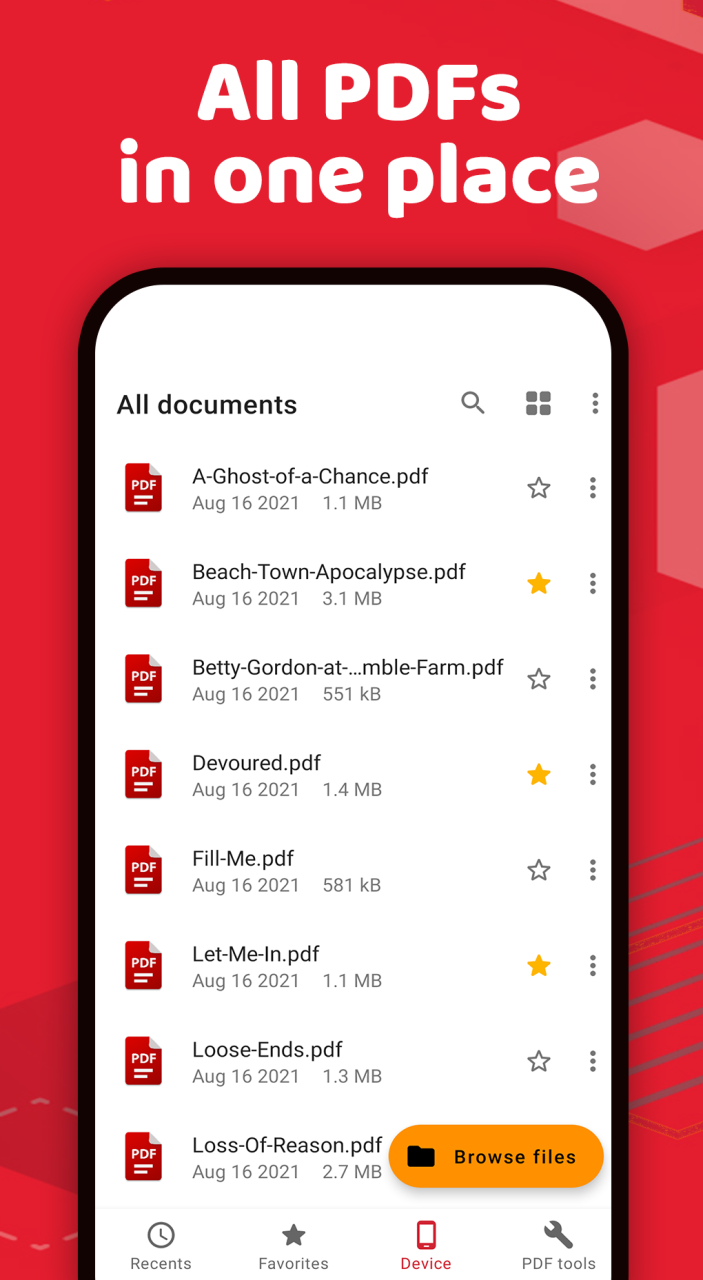
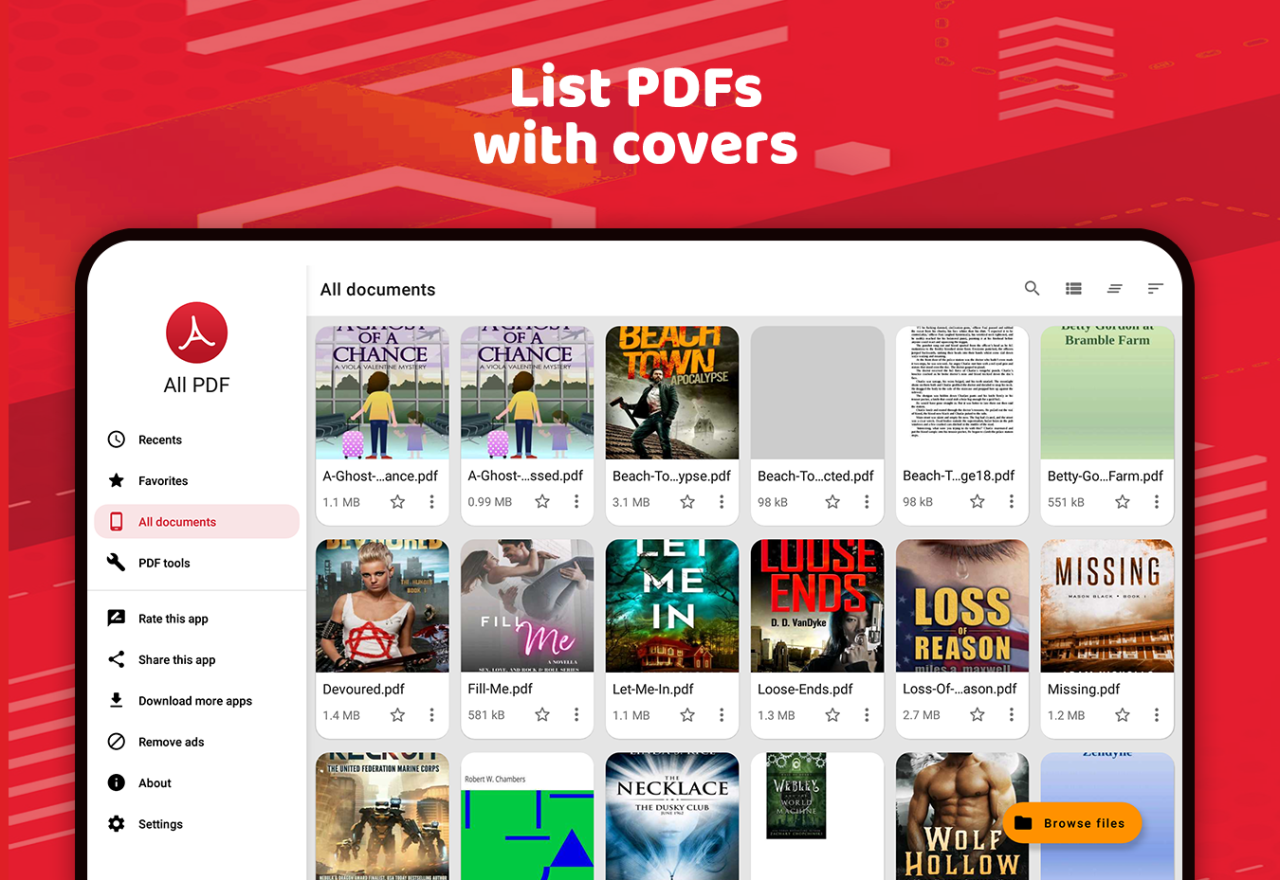
PDF Reader – PDF Viewer app has a built in PDF file manager. The free PDF reader will manager all PDF files on your device by automatically scanning all PDF files stored on your device and listing them in well-organized list that can be searched and sorted by name or modified date. Also you can browse PDF files within the file directories. PDF Reader, a free PDF viewer for Android is an app that is multipurpose PDF tool that support searching PDF files.
PDF Reader – PDF Viewer is a very fast and simple to use app that helps you open large PDF files; it supports reading PDFs of more than 200MB size faster than ever. PDF Reader – PDF Viewer is simple and easy to manage and view PDF files. Enjoy all features you need in a PDF Reader - PDF viewer.
PDF reader - PDF viewer Key Features:
✔ Merge multiple PDF files into a single file
✔ Split a single document into multiple PDF documents
✔ Extract all images from a PDF file
✔ Save document pages as images
✔ Organize PDF document pages
✔ Add page numbers to PDF pages
✔ Edit PDF file metadata like Author, creator, created date, modified date etc.
✔ Reduce PDF file size by compressing PDF pages
✔ Extract all texts from a PDF file to a TXT file
✔ PDF Reader automatically finds all the PDF files in your device and display them in a list
✔ Quickly open any PDF document in your device from the list of all your PDFs
✔ Place most important files in the starred list so you can easily find them later.
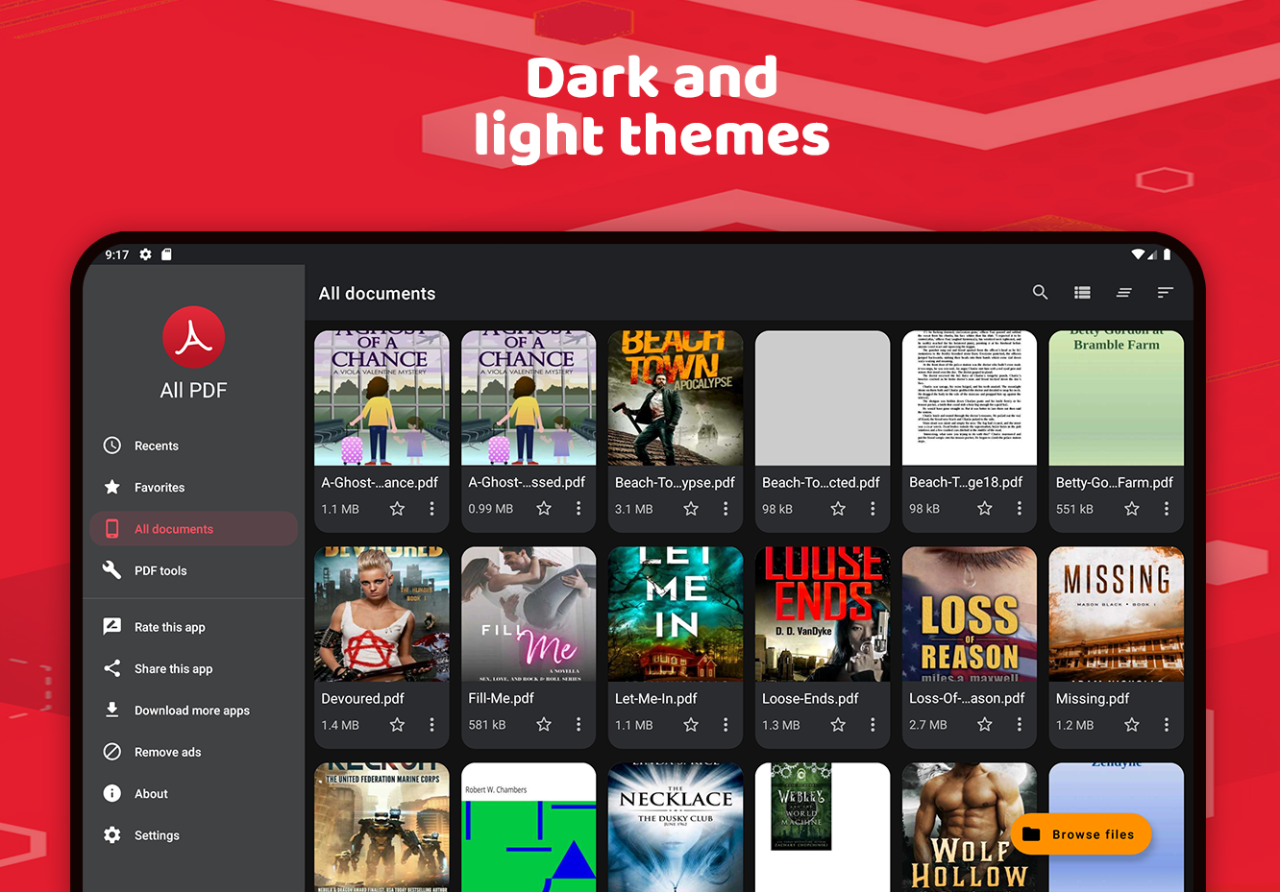
✔ View files in a list or a grid view which shows thumbnail in this Reader – PDF Viewer.
✔ Open document from the built-in file manager or directly from other apps or from internal storage and external storage like SD cards
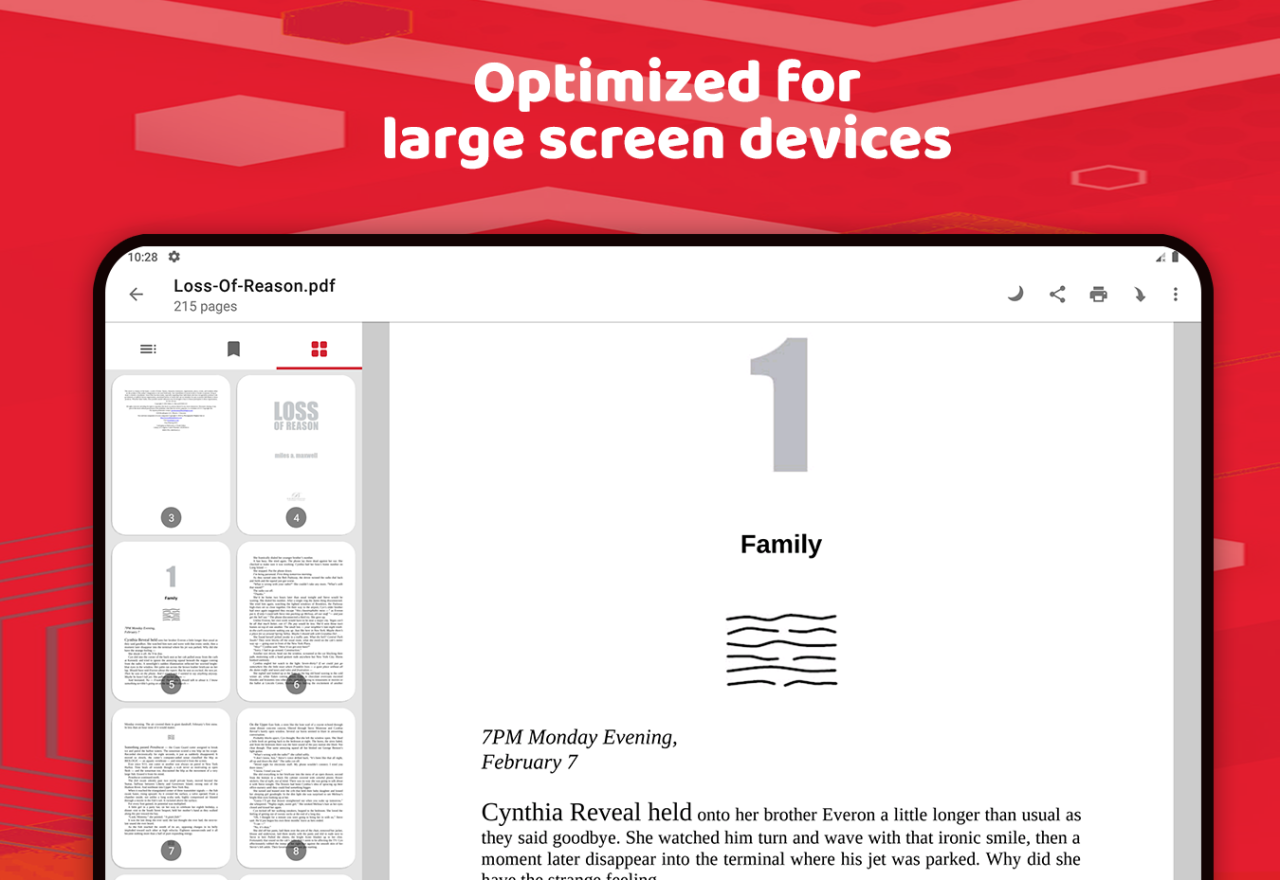
✔ Reader – PDF Viewer allows you to scroll pages and zoom in and out in a horizontal or vertical view.
✔ Print documents directly from your mobile by using this PDF Reader – PDF Viewer
✔ Remember last opened page.
✔ Day and night reading modes
✔ Prevent screen from turning off while reading
✔ Bookmark pages and show table of contents from document reader.
✔ Go to the page number directly and see the page count and total pages.
✔ Choose a single page or continuous scroll mode
✔ Rename, delete files, and view details of your PDF files with simple operations.
✔ Share with your friend on email, cloud or any messaging apps with one click
PDF Reader – PDF Viewer and enjoy all these features for free. Many more exciting features to be added. Use it as your default PDF viewer or PDF reader and directly view PDF files from file manager, email, cloud or web in this PDF reader without having to open the app.
Have an idea to make this PDF reader even better? I would love to hear it, please contact me robert.a.londo@gmail.com.
Lastly don't forget to rate 5 stars on play store is it helps us a lot to keep going and deliver the best PDF reader on the store.
About All PDF - PDF Reader & Editor
The company that develops All PDF - PDF Reader & Editor is ROBERT ANDREA LONDO. The latest version released by its developer is 7.0.2.
To install All PDF - PDF Reader & Editor on your Huawei device, just click the green Continue To App button above to start the installation process. The app is listed on our website since 2023-03-23 and was downloaded 0 times. We have already checked if the download link is safe, however for your own protection we recommend that you scan the downloaded app with your antivirus. Your antivirus may detect the All PDF - PDF Reader & Editor as malware as malware if the download link to C101798773 is broken.
How to install All PDF - PDF Reader & Editor on your Huawei device:
- Click on the Continue To App button on our website. This will redirect you to Huawei Store.
- Once the All PDF - PDF Reader & Editor is shown in the Huawei Store listing of your Huawei device, you can start its download and installation. Tap on the Install button located below the search bar and to the right of the app icon.
- A pop-up window with the permissions required by All PDF - PDF Reader & Editor will be shown. Click on Accept to continue the process.
- All PDF - PDF Reader & Editor will be downloaded onto your device, displaying a progress. Once the download completes, the installation will start and you'll get a notification after the installation is finished.
Program Details
System requirements
Download information
Pricing
Version History
version 7.0.2
posted on 2023-03-23
Disclaimer
Official AppGallery Link
We do not host All PDF - PDF Reader & Editor on our servers. We did not scan it for viruses, adware, spyware or other type of malware. This app is hosted by Huawei and passed their terms and conditions to be listed there. We recommend caution when installing it.
The AppGallery link for All PDF - PDF Reader & Editor is provided to you by apps112.com without any warranties, representations or guarantees of any kind, so access it at your own risk.
If you have questions regarding this particular app contact the publisher directly. For questions about the functionalities of apps112.com contact us.
